Finds your simulator automatically
Start Microsoft Flight Simulator or X-Plane and load a flight. SkyDeck connects on its own, with no setup.
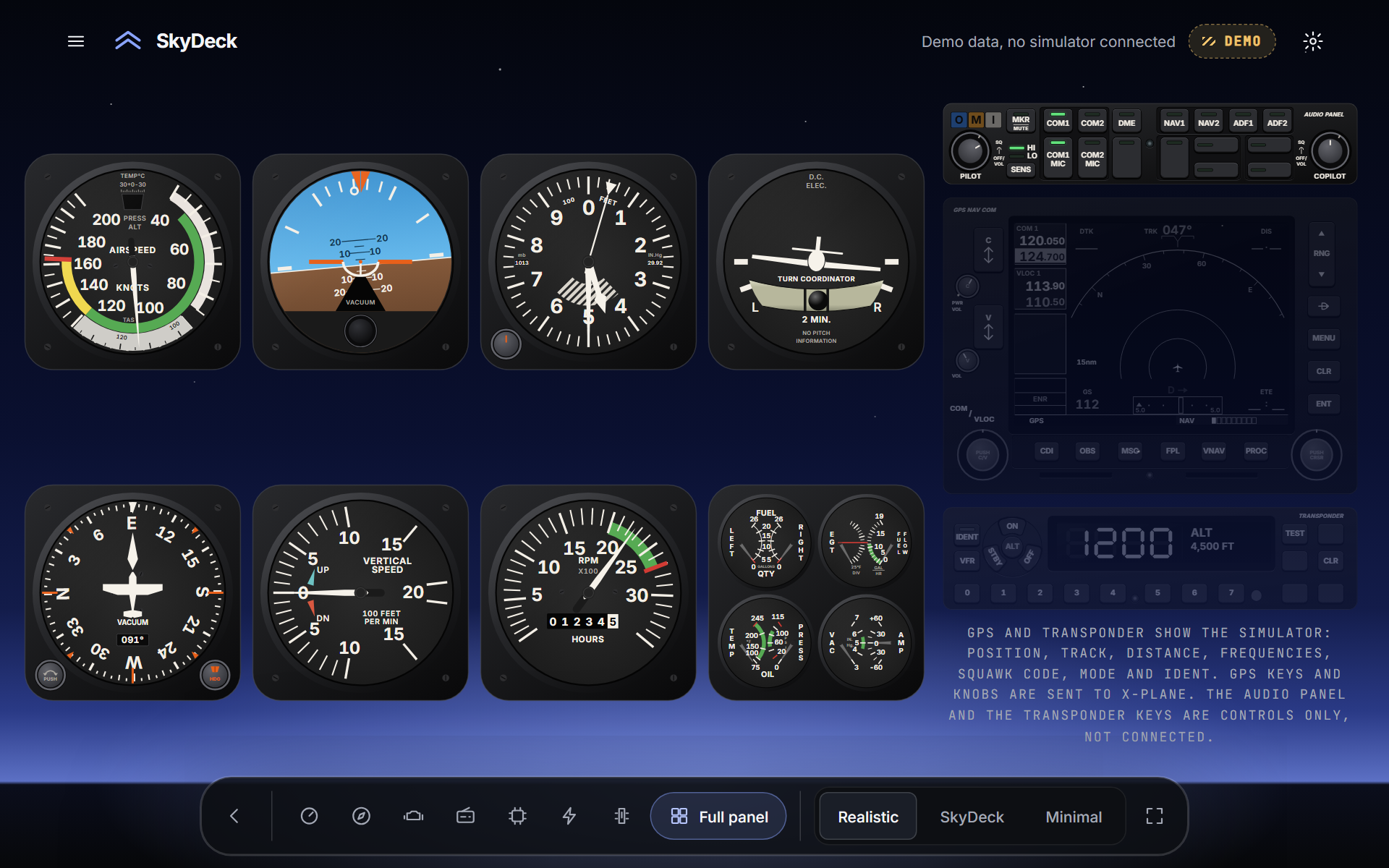
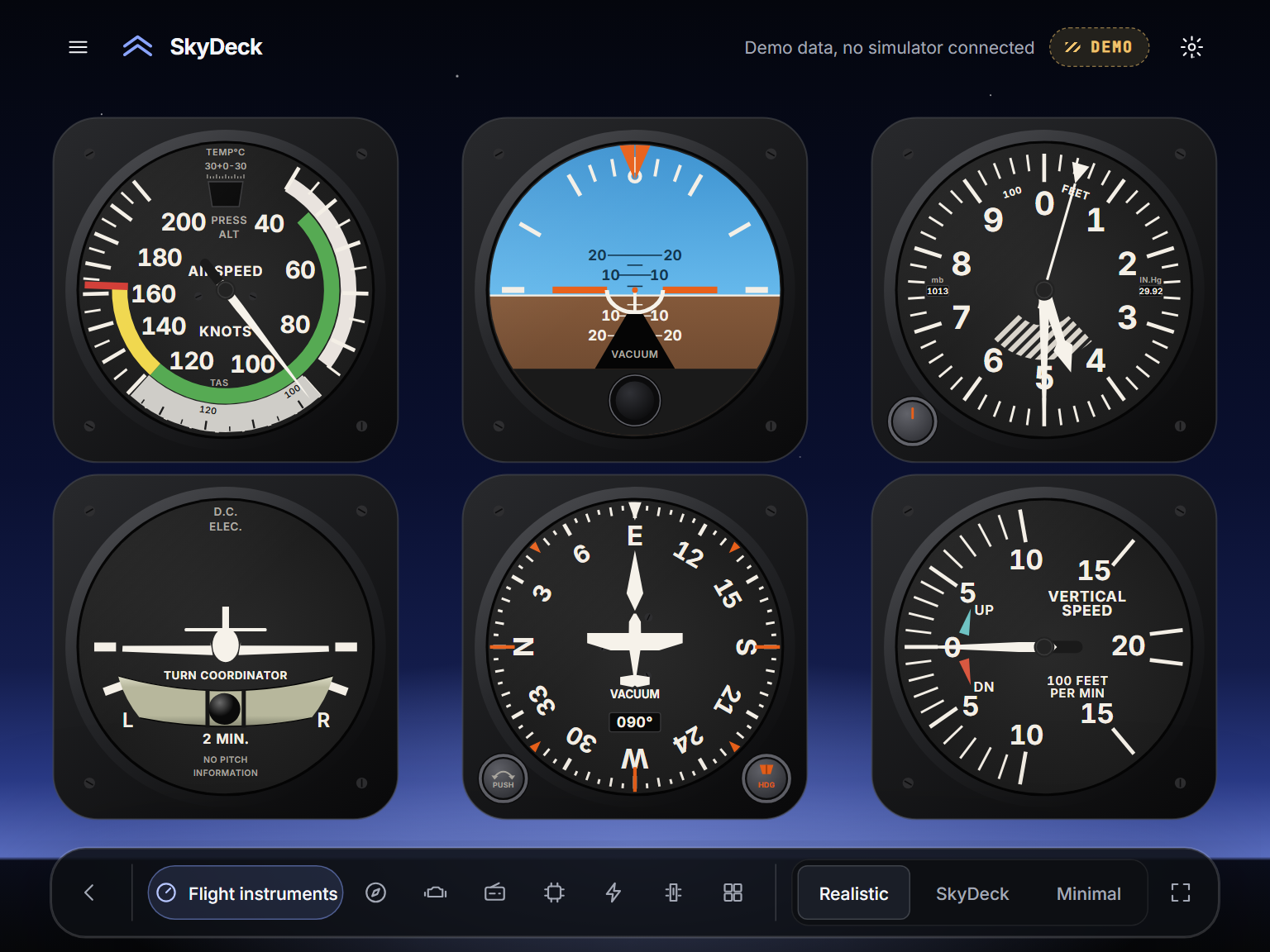
SkyDeck puts working Cessna 172 style instrument panels on your screen, linked live to Microsoft Flight Simulator and X-Plane. Click the switches, turn the knobs, watch the gauges move.
Panels that behave like the real thing, on a screen you already own.
Start Microsoft Flight Simulator or X-Plane and load a flight. SkyDeck connects on its own, with no setup.
Big touch targets and a one-tap swap between active and standby.
Use a tablet on your home Wi-Fi as an extra panel. Coming after launch.
Radio, instruments, engine, electrical and more, one tap apart.
Work the switches, circuit breakers and knobs with a mouse or a touchscreen.
No tracking and no account to fly. Your flight data never leaves your computer.
Pick a plan. Your licence key arrives by email.
Install SkyDeck for Windows on up to 3 of your computers and paste in your key.
Start your simulator and load a flight. The panels come alive.
Pay once. No subscription. Prices in US dollars; tax is added at checkout where it applies. Orders are handled by Paddle, our payment provider and merchant of record.
Microsoft Flight Simulator (tested on the 2024 edition) and X-Plane 12. SkyDeck is independent software and is not made or endorsed by either.
No. SkyDeck is for flight simulation only and must never be used to fly or navigate a real aircraft.
You can have your money back within 14 days, no questions asked. Email support@skydecksimlabs.com.
One licence works on up to 3 of your own computers.
No analytics or tracking. The app contacts our server only to check your licence key. See the Privacy Policy.
Only to activate. After that SkyDeck works offline for a grace period and re-checks your licence when it can.